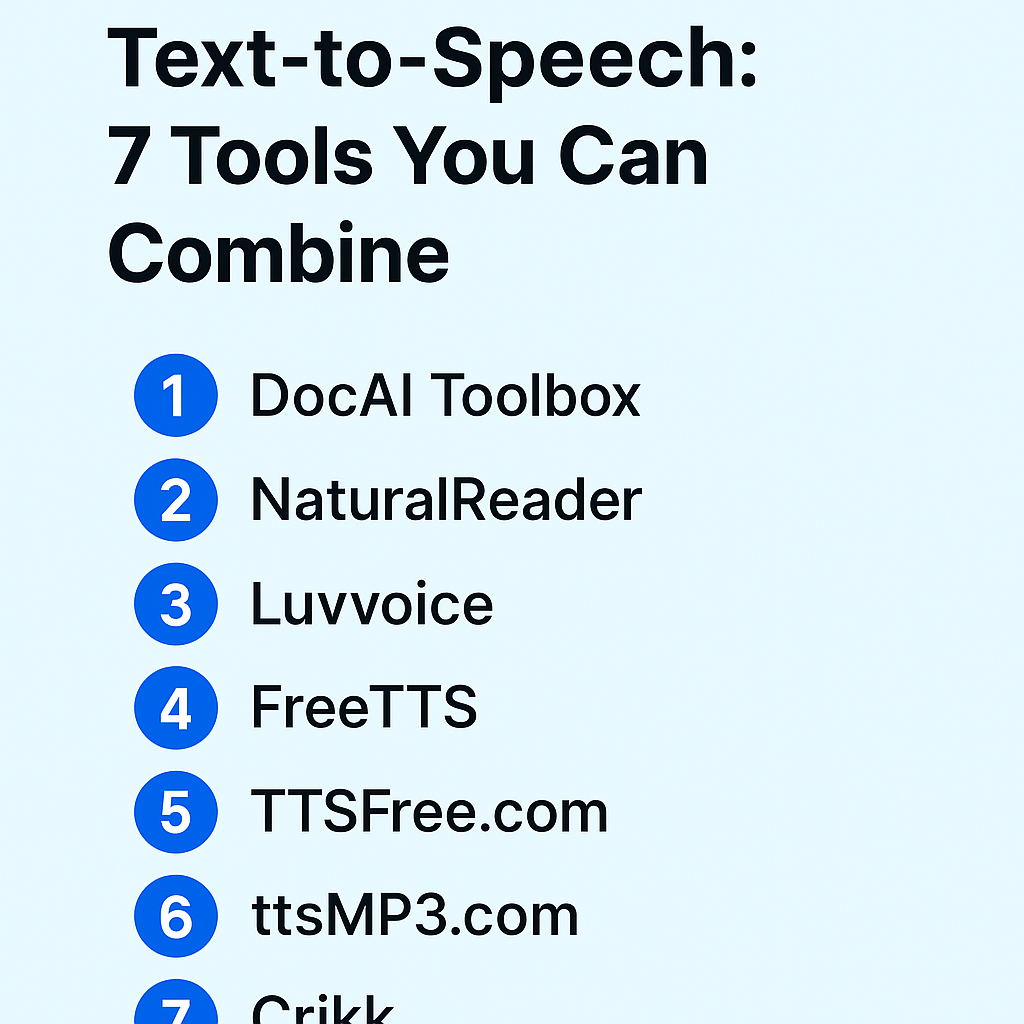
🗣️ How to Get Free Unlimited Text-to-Speech: 7 Tools You Can Combine
If you’ve ever needed to turn text into natural-sounding voice — for YouTube videos, tutorials, social media content, or accessibility — you’ve probably hit the same wall everyone does: limits.
Most text-to-speech (TTS) tools sound great… until they cap you at a few thousand characters or lock premium voices behind a paywall.
But here’s the secret: by combining several free tools, you can effectively get unlimited text-to-speech — without paying anything. Each platform offers a free tier, and if you rotate between them, you can keep generating voiceovers endlessly.
Below are 7 tools that together form your “Free Unlimited TTS Stack.”
1. DocAI Toolbox
If you use Google Docs or Slides, this is the easiest way to generate realistic AI voices right inside your document.
DocAI Toolbox offers Text-to-Speech, Translation, Image Generation, and OCR directly within the Google Workspace interface.
- 🎧 Supports SSML, pauses, tone, and speed control
- 🗣️ Offers both OpenAI and Google Cloud voices (200+ styles, 70+ languages)
- 💡 Works seamlessly inside Docs and Slides
- 🆓 Free plan with 5 credits, and Pro/Business plans unlock “Unlimited Usage”
👉 Try it here: https://docaitoolbox.com
2. NaturalReader
NaturalReader has long been one of the most popular online TTS platforms. Its free plan lets you paste text, select a natural voice, and play or download your audio.
- 🌎 Supports multiple languages
- 🔊 Realistic “AI Voices”
- 🪶 Ideal for articles, blogs, and e-learning narration
Pro tip: If you hit the free character limit, save your output and move to the next tool below — no need to pay.
👉 Visit: https://www.naturalreaders.com/online
3. Luvvoice
Luvvoice claims to offer “Free online Text-to-Speech with No Word Limit.” That makes it a gem for longer projects like podcasts or audiobook-style narrations.
- 🆓 No registration required
- 💬 Simple, clean interface
- ⚡ Fast rendering
Use this when you’ve hit limits on other platforms — it’s a handy backup in your rotation.
👉 Explore: https://luvvoice.com
4. FreeTTS
FreeTTS offers both TTS and Speech-to-Text, giving you flexibility if you work with audio in both directions. It’s web-based, quick, and doesn’t require login.
- 🗣️ Natural-sounding voices
- 🪶 Simple UI
- 🎙️ Also supports speech recognition
It’s especially useful when you want to convert scripts to voice fast, without exporting large files.
👉 Try it here: https://freetts.com
5. TTSFree.com
TTSFree is a feature-packed platform offering over 200 voices and 140 languages. You can paste text, select a language and voice, and download MP3 files instantly.
- 🌍 Multilingual (English, Spanish, Arabic, Hindi, and more)
- 🎧 Commercial use allowed in many cases
- 🆓 Free plan with instant download
Perfect for content creators who post globally or in multiple languages.
👉 Visit: https://ttsfree.com
6. ttsMP3
ttsMP3 is a quick way to convert text into downloadable MP3 files using Amazon Polly voices under the hood. It’s simple, fast, and doesn’t require sign-in.
- 🎤 50+ voices and accents
- ⚙️ Supports SSML tags for pauses and tone
- ⬇️ Instant MP3 download
It’s great when you need ready-to-use audio for YouTube or Reels without post-processing.
👉 Try: https://ttsmp3.com
7. Crikk Text-to-Speech
Crikk is one of the few sites that actually promotes itself as “Truly Free & Unlimited TTS” — no login, no quota, just paste and play.
- 🆓 100% free and anonymous
- ⚡ Fast rendering with auto-play
- 🪄 Ideal for long text blocks
The voice quality is decent, and it’s a great backup when other tools ask you to upgrade.
👉 Check it out: https://crikk.com/text-to-speech
🧩 How to Combine These Tools for “Unlimited” TTS
Here’s a simple workflow to make the most out of all of them:
- Start with DocAI Toolbox inside Google Docs for your main project scripts.
- When you hit a credit or time limit, switch to Luvvoice or TTSFree.com for additional paragraphs.
- For multilingual or accent-specific audio, use ttsMP3 or NaturalReader.
- For quick bulk or “no-limit” runs, fall back on Crikk.
- Store all your MP3 outputs in a shared Google Drive folder so you can reuse them easily.
- Rotate among these tools — by the time you loop back, daily or weekly limits usually reset.
This rotation method effectively gives you free unlimited text-to-speech, no subscription required.
⚙️ Extra Tips to Get Better Results
- Chunk your text: Split long articles into sections (around 2–5 minutes each). This avoids glitches or timeouts.
- Change voices frequently: Keeps your audience engaged and avoids monotony.
- Use SSML when available: Add pauses, emphasis, or slower speed for more natural delivery.
- Watch export quality: Make sure the downloaded MP3 is at least 128 kbps if you’re using it in videos.
- Label your files clearly:
lesson1_docai.mp3,lesson2_ttsfree.mp3, etc. - Stay compliant: Double-check each tool’s license if you use audio commercially.
💡 Why This Works
Every TTS tool has its own quota — but those quotas are independent.
If one site allows 10,000 characters/day, another allows 5,000, and another has no limits, you can easily chain them to achieve effectively unlimited voice generation for free.
Creators, educators, and small businesses use this method to produce hours of audio without paying for enterprise tools like ElevenLabs or Play.ht.
And since DocAI Toolbox integrates directly into your Google Workspace, you can manage scripts, voices, and exports without leaving your workflow.
🚀 Final Thoughts
With just these 7 tools, you can say goodbye to limits.
Start in DocAI Toolbox, then rotate through NaturalReader, Luvvoice, FreeTTS, TTSFree, ttsMP3, and Crikk whenever you hit a wall.
This combination gives you reliable, multilingual, high-quality text-to-speech — completely free.
So go ahead: start producing unlimited AI voices today.